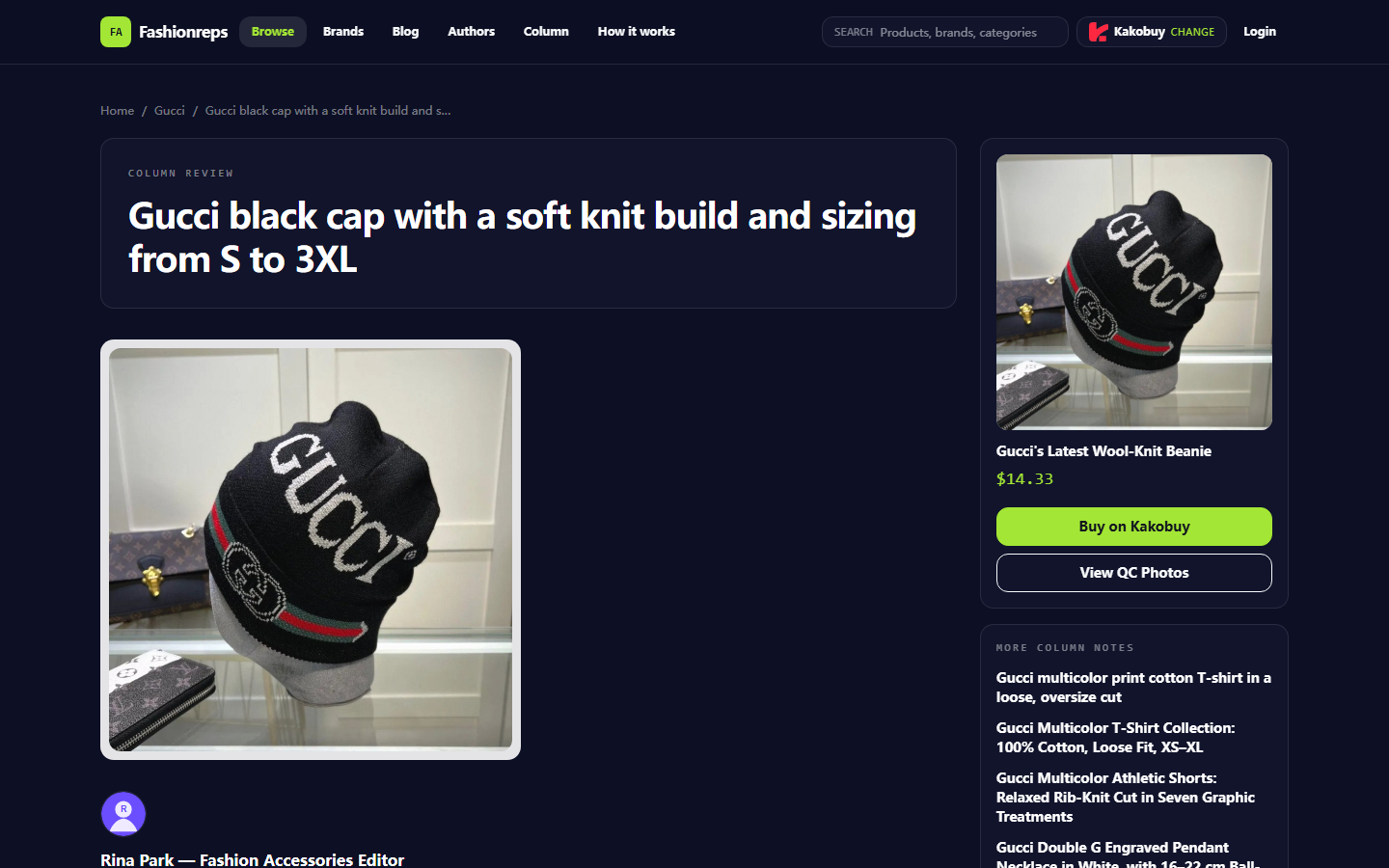

Image: When organizing accessory candidates from the fashion-reps product catalog, keep specs, product page links, and QC image links separate.
Focused Only on Transcribing and Verifying patagonia Accessory Candidates
This article covers one specific task: taking patagonia accessory candidates seen on fashion-reps and organizing them into Google Sheets, then verifying specs, colors, product links, and QC image links row by row.
By the end, you should be able to:
- Pin down a candidate item on the target site.
- Record visible specs from the product card or product page.
- Set up consistent fields in Google Sheets.
- Keep product links and QC links separate.
- Mark unconfirmed sizes, colors, stock, or image statuses as "to be confirmed".
This does not apply to bulk guessing of product info, substituting seller confirmation, or treating QC photos as proof of actual quality. Prices, stock, available colors, product links, and image statuses can change, so re-check the page before saving. 📌
Start by Pinning Down Candidates and Source Pages from the Target Site's Visible Catalog
First, search for patagonia accessories in fashion-reps' visible product catalog. When searching, don't rely only on the title containing the brand name; also check whether the product card provides a clear product name, category, color, or other identifying info.
For each candidate, save these four items initially:
- Product title or displayed name on the page.
- Product page URL.
- Category shown on the page, such as hats, waist bags, scarves, or other accessories.
- Whether QC photos or a QC link appear on the page.
If a page only has tags, blank content, won't open, or shows only vague thumbnails without clear product info, don't enter it as a valid candidate. Put it in a "to be confirmed" area, but don't mix it into the orderable list.
Product cards in the platform catalog are good for discovering candidates; the product detail page is where you confirm fields. If the product title conflicts with the page description, keep the original title and note the conflict in remarks; don't rename it to something that seems more accurate.
How the Website Spreadsheet Reads Product Cards and QC Link Clues
The website spreadsheet often works more like a browsable product catalog than a full purchasing database. Its strength is narrowing down items quickly via brand, category, search, and product cards; but spec fields may be scattered across titles, descriptions, image captions, or detail pages.
When reading a product card, check in this order:
- First confirm the brand and product category.
- Then confirm color, size, or if it's one size fits all.
- Check if there's a link to the product detail page.
- Look for "QC", "QC Photos", or similar image links.
- Note whether the page clearly states these fields or if the seller needs to confirm.
A QC link only shows that the site provides a path to view images; it doesn't automatically prove every candidate has complete images, nor that the images match the current batch. If the link opens with no images, unclear images, or can't confirm the item, mark "QC to be confirmed" in the sheet.
Don't write down the reference price shown on the page as the final cost. The final amount may also be affected by price changes, service fees, domestic shipping, international shipping, taxes, and route conditions. The goal of this sheet is to verify candidate info, not calculate final costs. 💡
How to Set Up Columns for Specs, Colors, Links, and Notes in Google Sheets
Start by creating a header row with field names, then enter candidates row by row. Keep field names consistent to avoid mixing meanings in the same column.
| Field | What to record | Input boundaries |
|---|---|---|
| candidate_id | Custom ID | e.g., PAT-ACC-001; don't use changing ranks as IDs |
| product_name | Product name shown on page | Keep original text; don't add material or model info on your own |
| category | Accessory category | e.g., hats, waist bags, scarves; write "to be confirmed" if page doesn't specify |
| color | Color shown on page | For multiple colors, use semicolons and keep original wording |
| sizeorfit | Size, one size fits all, or dimensions | Write "not labeled" if not shown; don't estimate from images |
| product_url | Product detail page URL | Only product page; don't mix with QC image URL |
| qc_url | QC image or QC link URL | Leave blank if no link and explain in notes |
| sourcecheckedat | Verification date | Use the actual viewing date |
| status | Current status | Available, to be confirmed, duplicate, invalid |
| notes | Conflicts, missing info, and next steps | Write specific issues, not vague "pay attention" |
If your team also needs to record seller confirmation results, add sellerconfirmation and confirmationdate columns, but don't treat no reply as confirmed.
Google Sheets' filter feature works well for filtering by category, color, status, or sourcecheckedat. Freezing the first row reduces the risk of misreading fields when scrolling; data validation dropdowns can standardize statuses like "available, to be confirmed, duplicate, invalid" to avoid multiple spellings of the same status.
How to Re-check Product Links and QC Image Links Row by Row
After entering data, don't just check if URLs start with https. When re-checking row by row, product links and QC links must be verified separately.
Product link re-check:
- Open product_url and confirm the page still loads.
- Compare the page title with product_name.
- Confirm category and color haven't been obviously mistyped.
- Check if the page still shows the original selectable specs.
QC link re-check:
- Open qc_url and confirm it actually points to QC photos or a QC photo collection.
- Confirm the images correspond to the current candidate, not other items from the same brand.
- Check for multiple images, missing images, or loading issues.
- Don't extend visual observations in images to conclusions about material, durability, or authenticity.
If the product page opens but the QC link is broken, you can still keep the item as a candidate, but set status to "to be confirmed" and note "product page accessible, QC link could not be confirmed". This is better than deleting the record for later review. 🔎
Filtering, Deduplicating, and Marking Multiple Candidates as "To Be Confirmed"
When filtering, handle duplicates first, then compare specs. Duplicate detection should at least combine product title, product page URL, and main features on the page. If the URLs are the same, even if titles vary slightly, treat them as the same candidate, keep one main record, and mark others as "duplicate" or move to a duplicate records area.
Don't force merge in these cases:
- Similar titles but different product page URLs.
- Different colors with separate purchase options on the page.
- Different styles or sizes under the same page.
- Same product page, but QC links clearly correspond to different variants.
You can create three views using status filters:
- Available: product page, main specs, and links have all been re-checked.
- To be confirmed: missing fields, spec conflicts, or QC link issues.
- Invalid or duplicate: page inaccessible, or confirmed duplicate of another row.
Don't fill in colors, sizes, stock, or quality conclusions that the page doesn't provide just because a candidate seems popular. The value of the sheet lies in preserving evidence boundaries, not making each row look complete.
Boundaries When Copying Links and Viewing Images on Different Devices
On desktop, copy links from the browser address bar or an explicit link menu; avoid copying search result pages, image preview pages, or intermediate URLs with temporary parameters. After copying, open in a new tab immediately to confirm it still leads to the target page.
On mobile, the share menu may copy short links, app redirect links, or the current image URL. If you need long-term re-checking in Google Sheets, prioritize saving URLs that open the product detail page, and note the link source in notes.
When viewing images, keep these boundaries in mind:
- An image opening doesn't mean it belongs to the current candidate.
- A clear image doesn't mean the material or workmanship is verified.
- An image showing a color doesn't mean that color is in stock.
- QC photos existing doesn't mean the seller accepts returns or the platform provides quality assurance.
If your device can't load images, keep the qc_url and set status to "to be confirmed". Don't replace the original QC link with similar images from search engines, and don't insert screenshots from other pages into the current candidate's record. 🛡️
Row-by-Row Review Checklist Before Exporting or Ordering
Before exporting Google Sheets or proceeding, complete these checks for each row:
- product_name roughly matches the product page title.
- category, color, and sizeorfit have page evidence; unknowns are marked.
- product_url still opens the product detail page.
- If qc_url is blank, reason is explained; if not blank, correspondence is confirmed.
- sourcecheckedat is filled in to judge if info is outdated.
- Reference price is not treated as final cost.
- QC photo observations are not written as material, durability, or authenticity conclusions.
- Duplicates are marked; unconfirmed candidates are not mixed into the "available" view.
- Before ordering, re-confirm price, stock, color, size, seller info, service fees, shipping, and destination country customs requirements.
After organizing, Google Sheets works well as a filtering, collaboration, and review worksheet; fashion-reps' website directory works well as a candidate discovery and original page source. The two shouldn't replace each other: the sheet can't replace the product page, and the product page can't replace the itemized records in the sheet.
agent Platform Shopping FAQ
1. What is the correct way to review quality inspection images on kakobuy?
When reviewing QC photos on kakobuy, it is important to examine the specific characteristics of the item you bought. For footwear, pay attention to critical points like the toe, heel, and tongue to assess stitching, overall shape, and tongue thickness, which helps determine if the shoe is well-made. For apparel, check details such as the collar label, logo embroidery, fabric quality, and how smooth the collar and cuffs are, among other aspects.
2. Which product types appear in the kakobuy spreadsheet?
The kakobuy spreadsheet lists a variety of products, including footwear, clothing, bags, accessories, jerseys, perfumes, hats, scarves, belts, and various household and daily use items.
3. What categories of goods are available on kakobuy's website?
kakobuy's site offers a broad selection of product categories, featuring shoes, T-shirts, sweaters, hoodies, jeans, sweatpants, shorts, beach shorts, factory clearance products, down jackets, baseball jerseys, shirts, hats, jewelry, bags, electronics, sunglasses, socks, underwear, and popular collectibles.
4. What should I do if I am not happy with the product I received from kakobuy?
Contact kakobuy's customer support team as soon as possible. For Chinese sellers, most regular items are eligible for a 5-day unconditional return and exchange. If you are dissatisfied, you may request a return. If the product has already shipped from the warehouse and reached you, and you notice a quality problem, you need to reach out to kakobuy's customer service so they can assist you in contacting the seller to work out a compensation arrangement.
Below are the customer service email addresses for each platform:
kakobuy: service@kakobuy.com
oopbuy: support01@oopbuy.com
usfans: support@usfans.com
hipobuy: care@hipobuy.com
superbuy: care@superbuy.com